Split a storyboard grid into individual images
Have one AI-generated storyboard sheet but need one image per shot? Split a 3×3 nine-panel board, a 2×3 six-panel board or another rectangular grid, without cropping every panel in a separate editor.
See a real sample result
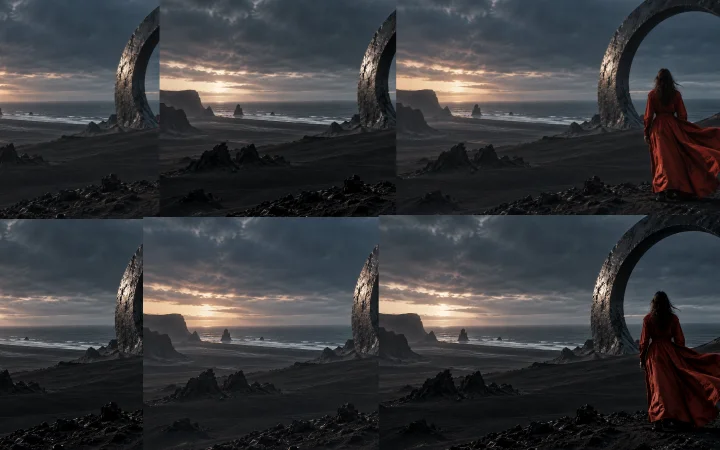
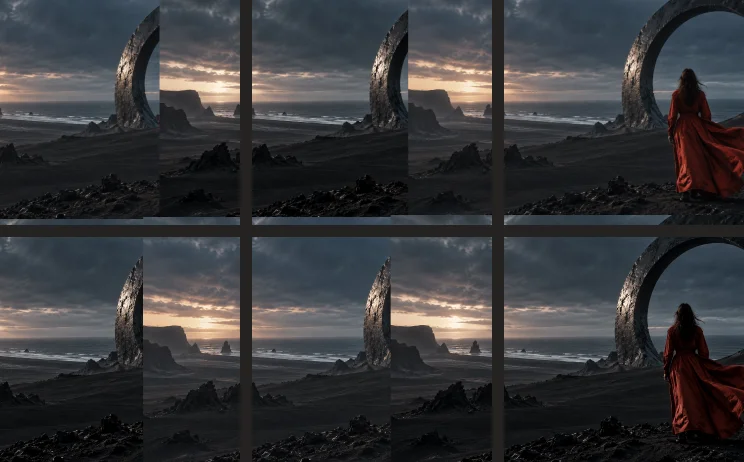
Actual output from Try a sample, reduced for display. The sample artwork is AI-generated; original files are preserved. Try it in the workspace above.
How to use it & limitations
Open the grid image → set rows and columns → move dividers and adjust gaps or outer edges → split. Review panels in reading order, crop any remaining borders, and save or export the selection.
Accepts PNG, JPG and WebP under 60 MB and 40 megapixels; up to 8 rows and 8 columns. You set the grid: the tool does not infer a story or redraw missing image detail. Irregular overlapping panels may need individual crops.
What if the generated panels are uneven?
Move the divider lines to match the actual panel edges before splitting. Use Edit on a result to trim a caption or border. Keep the original sheet for reference; splitting does not increase the resolution inside each panel.
Single-file tools are free, with no watermark. Media is processed in your browser, not uploaded. Sign in for 3 shared Pro batch trials, up to 3 inputs per batch; a trial counts when export starts successfully. Pricing & availability · Privacy · Operator & terms · support@murmurlayer.com
把分镜宫格拆成独立图片
AI 生成的是整张分镜图,但图生视频需要逐镜单图?把九宫格、六宫格或其他矩形网格拆成独立图片,省去在编辑器中逐格裁切。
看一次实际输出
以上结果由本站「试用示例」实际处理得到,展示图已缩小。示例素材由 AI 生成,原始文件不会被修改。可在上方工作区亲自试用。
使用方法与限制
打开宫格图 → 设置行列 → 拖动分隔线并调整间隔与外边距 → 拆分。在素材选集中按阅读顺序检查,裁去残留边框,再保存或导出。
支持小于 60 MB、低于 4000 万像素的 PNG、JPG、WebP,最多 8 行 8 列。网格由你设置,不自动理解剧情或重绘细节;不规则或重叠分镜可能需要逐张裁切。
生成的分镜格子不均匀怎么办?
拆分前拖动分隔线,对齐实际格子边缘;结果图可点「编辑」裁去字幕或边框。保留原分镜图用于核对,拆分不会提升每格原有的分辨率。
单文件工具免费、无水印,素材在本机浏览器处理,不上传。登录后有 3 次共用 Pro 批量试用,每批最多 3 个输入;成功发起导出才计次。 价格与开通状态 · 隐私 · 运营信息与条款 · support@murmurlayer.com